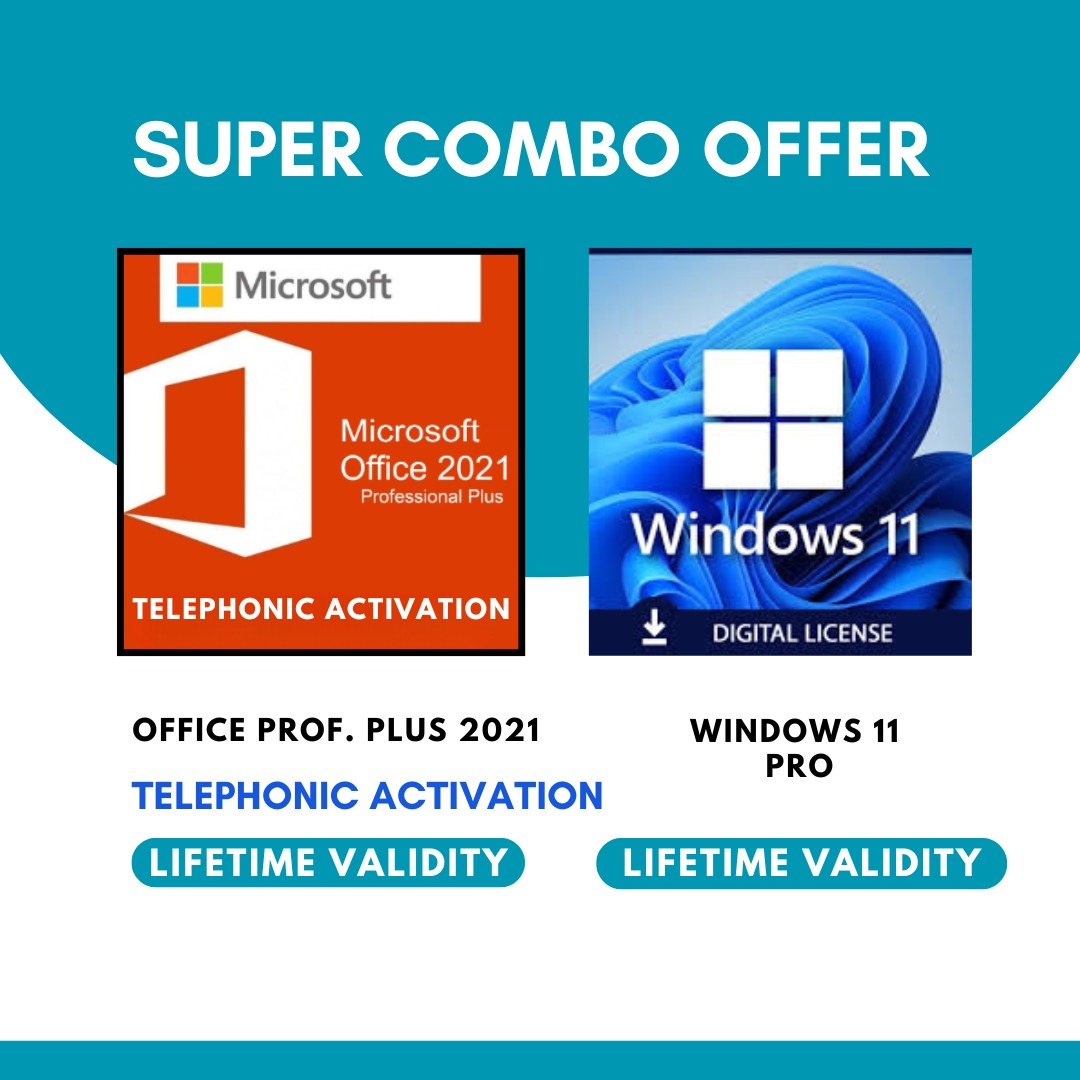
Package Includes
-
Windows 11 Pro Lifetime Activation Key
-
Office Professional Plus 2021 Activation Key
-
Instant Email & WhatsApp Delivery
-
Technical Support Assistance
Office Apps Included
-
Word
-
Excel
-
PowerPoint
-
Outlook
-
Access
-
Publisher
-
OneNote
Key Features
-
Lifetime validity on same PC
-
Online activation support
-
Fast & secure performance
-
Supports Windows 10 & Windows 11
-
Digital delivery only (No DVD/CD)
Office 2021 Phone activation procedure:-
1) Uninstall any existing MS Office package and then restart your PC.
2) Then copy/paste following link in browser to download the setup file:-
https://officecdn.microsoft.com/pr/492350f6-3a01-4f97-b9c0-c7c6ddf67d60/media/en-us/ProPlus2021Retail.img
3) Open any app like Word or Excel.
4) Enter the product key and select "activate by telephone", Click next and your will see Installation ID.
Now follow the below procedure:-
Open Below Link
https://www.pcdealsindia.com/getcid
1. Login ( if required) -
You must Login using the same account (email ID) that was used to purchase the key
आपको उसी अकाउंट (ईमेल आईडी) से लॉगिन करना होगा जिससे आपने यह key खरीदी थी।
2. Enter your key
3. Enter Installation ID
You will get the confirmation ID.
If you still need any kind of help in activation, you can call our (PC Deals India) support number 9844539000.
Our Support Timings
Monday - Saturday
11 am - 7 pm