Technical Help? 98445-39000  |  Sales: 97286-22667 (Mon - Sat, 11 AM - 7 PM)
Instant Delivery 100% Genuine Keys Secure Payment
PC Deals India
Technical Help? 98445-39000
Sales: 97286-22667
(Mon - Sat, 11 AM - 7 PM)
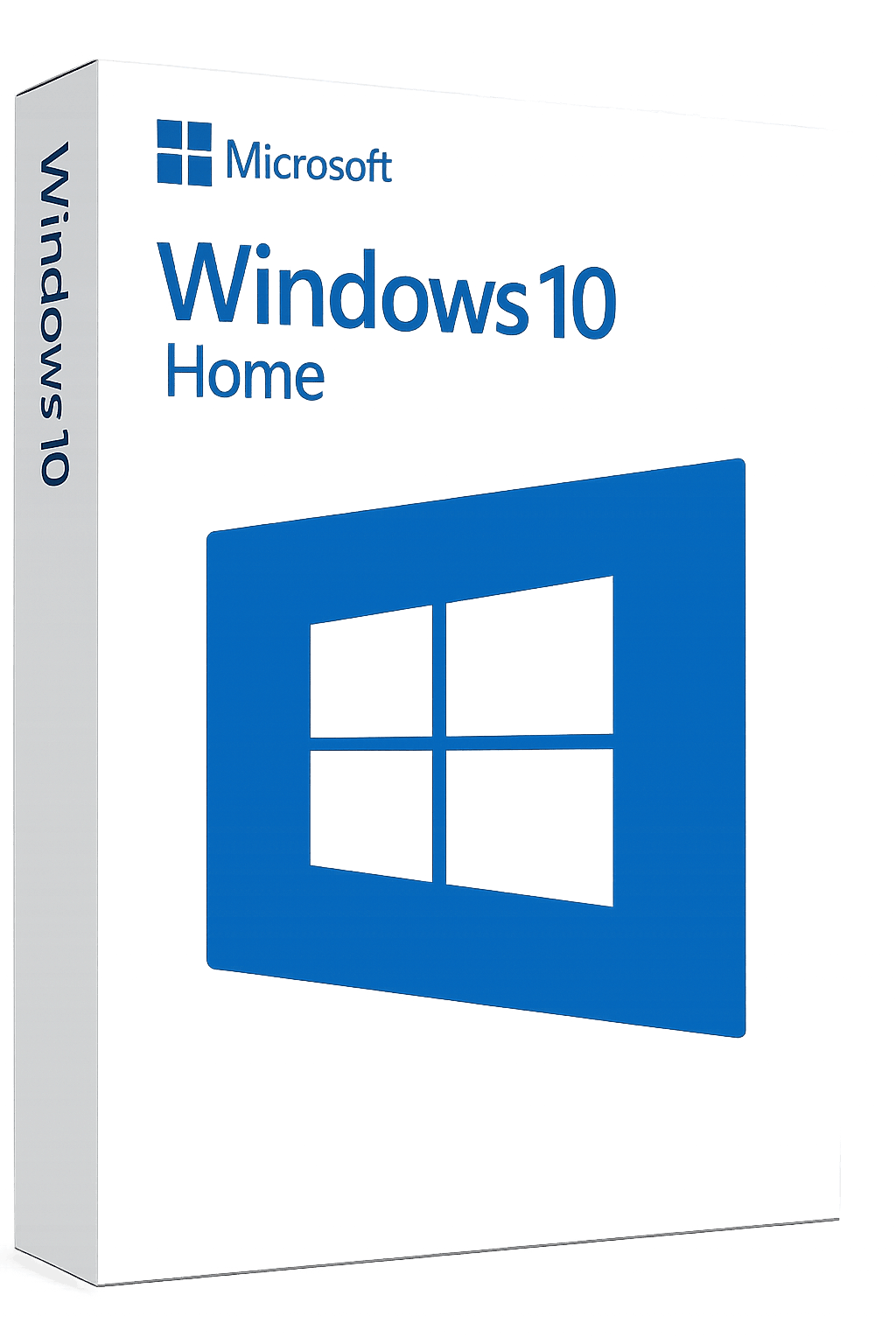
Windows 10 Home
Lifetime Validity
Microsoft Windows

Microsoft Windows

Windows 10 Home Lifetime Validity

Instant Email & WhatsApp Delivery

Buy 1 Unit
370 /unit
GST Inclusive
Buy 5 Units
350 /unit
GST Inclusive
SAVE TOTAL ₹100
Buy 20 Units
325 /unit
GST Inclusive
SAVE TOTAL ₹900
Quantity:

Product Description

Key Features (Quick Highlights)

  • Lifetime LicenseOne-time purchase, no renewal
  • Genuine Activation Key – Works with official Microsoft servers
  • 32-bit & 64-bit Support
  • Instant Delivery via Email/WhatsApp
  • Free Upgrade to Windows 11 (if supported)
  • Works Worldwide

Download & Installation Procedure

  • Visit the official Microsoft website.
  • Search for “Windows 10 Download Tool” or directly go to the Media Creation Tool page.
  • Download the Media Creation Tool.
  • Run the tool and select “Create installation media for another PC.”
  • Choose your preferred:
    • Language
    • Edition: Windows 10 Home
    • Architecture: 32-bit or 64-bit
  • Select:
    • USB Flash Drive (minimum 8GB) OR
    • ISO File (for later use)
  • Complete the process to create bootable installation media.

Installation Steps

  1. Insert the bootable USB or mount the ISO file.
  2. Restart your PC and boot from USB (use Boot Menu key like F12 / ESC / DEL).
  3. Follow on-screen instructions to install Windows.
  4. When prompted for a product key:
    • Enter the key you received
      OR
    • Click “I don’t have a product key” and proceed (you can activate later).
  5. Select Windows 10 Home edition during setup.
  6. Complete installation.

Activation Procedure

  1. Connect your PC to the internet.
  2. Go to:
    Settings → Update & Security → Activation
  3. Click on “Change Product Key.”
  4. Enter your purchased license key.
  5. Click Next → Activate.
     

    Important Tips

  6. Always download Windows from official Microsoft sources only.
  7. Ensure you install Windows 10 Home, not Pro or other editions.
  8. Keep your product key safe for future reference.
  9. Activation requires an active internet connection.

Activation Procedure

Frequently Asked Questions

Processing your order...